Remove backgrounds. Keep the subject.
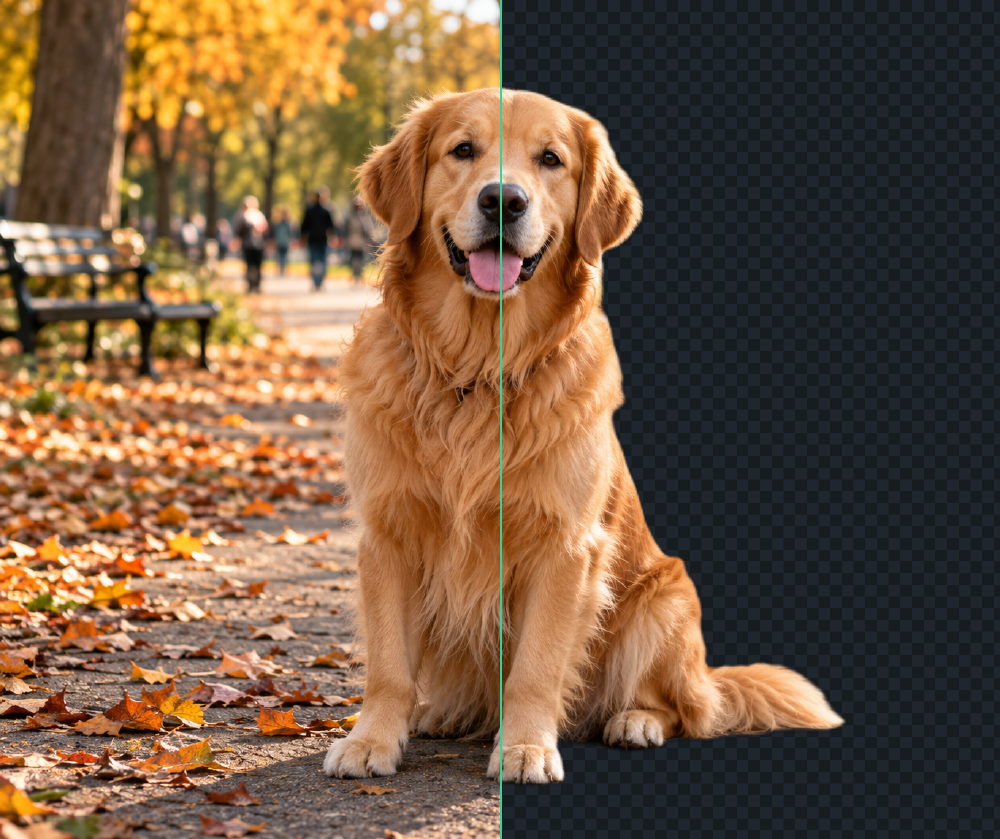 Original
Cutout
Original
Cutout
FAQ
Is it really free? What's the catch?
Yes. MIT-licensed, no account, no credits, no watermark, and no artificial app-imposed resolution cap. On first use, the model weights (~98 MB) and inference runtime download from third-party CDNs and are cached by your browser.
Do my photos leave my device?
No. Your image is processed on your device and its bytes are never uploaded. On first use, the browser downloads the inference runtime from jsDelivr and model weights (~98 MB) from Hugging Face; these downloads are cached for later visits.
What analytics does the site collect?
The site uses GoatCounter for page views and fixed events for model readiness, successful/failed cutouts or region recomputes, exports, and your optional “Fine” or “Needs fixing” vote. GoatCounter receives the page path and referrer plus browser, approximate location, and screen-size metadata for aggregate statistics. RMBG never sends image pixels, filenames, or image dimensions to analytics. GoatCounter describes its hosted service as cookieless and not storing persistent personal identifiers; see its privacy policy. The aggregate dashboard is public and updated hourly: view the public GoatCounter stats.
Why is the first run slow?
The first visit downloads the inference runtime and model, then builds an inference session. Return visits usually reuse the browser cache, though the browser may clear it. Startup time depends on your connection and device. WebGPU is fastest; CPU fallback can be slower, and the app tells you which backend it is using.
Erase, restore, guided, recompute — which do I use?
Brushes for small slips (paint, then Apply commits); guided click for one-tap coherent regions; drag-a-box recompute when the AI misread a whole area — the rest of the mask stays untouched. Everything is undoable.
Which files go in and out?
In: PNG, JPG, WebP, AVIF, BMP, GIF (first frame); HEIC isn't supported yet. Out: PNG, WebP, JPEG, plus AVIF where your browser can encode it.
Why does JPEG demand a background?
JPEG can't store transparency, so you choose the background explicitly — nothing is ever flattened silently.
How good are hair and tricky edges?
Float alpha masks preserve hair and semi-transparency, and originals are never mutated. Zoom to 100% to inspect, feather and defringe to finish.
How does batch work?
Up to 24 images in a sequential on-device queue with per-item retry. Open any item in the full editor, export all as one ZIP.
It failed — now what?
Model won't start: retry, it's usually a download or GPU hiccup. Out of memory: use a smaller image and close tabs. Undecodable file: convert it first. Still stuck: use Report an issue in the footer — diagnostics attach automatically, no pixels included.
What model runs, and under what license?
BiRefNet-lite 512px, MIT — provenance pinned in models/manifest.json. Heavier non-commercial weights are bring-your-own only, never bundled.